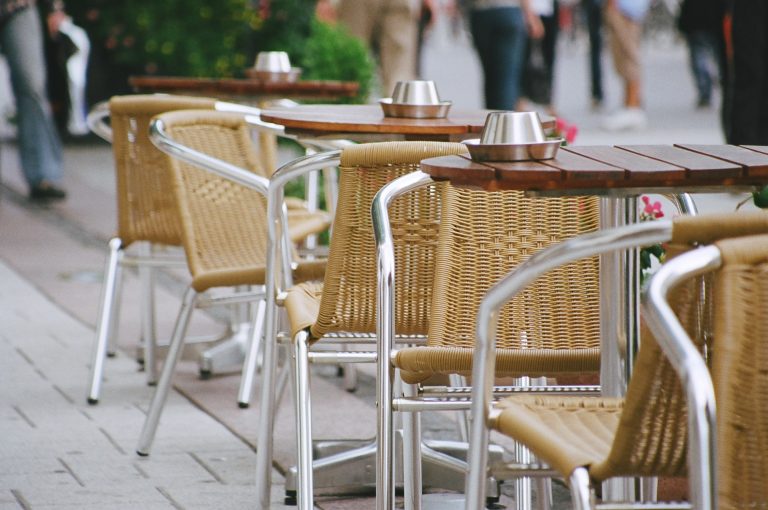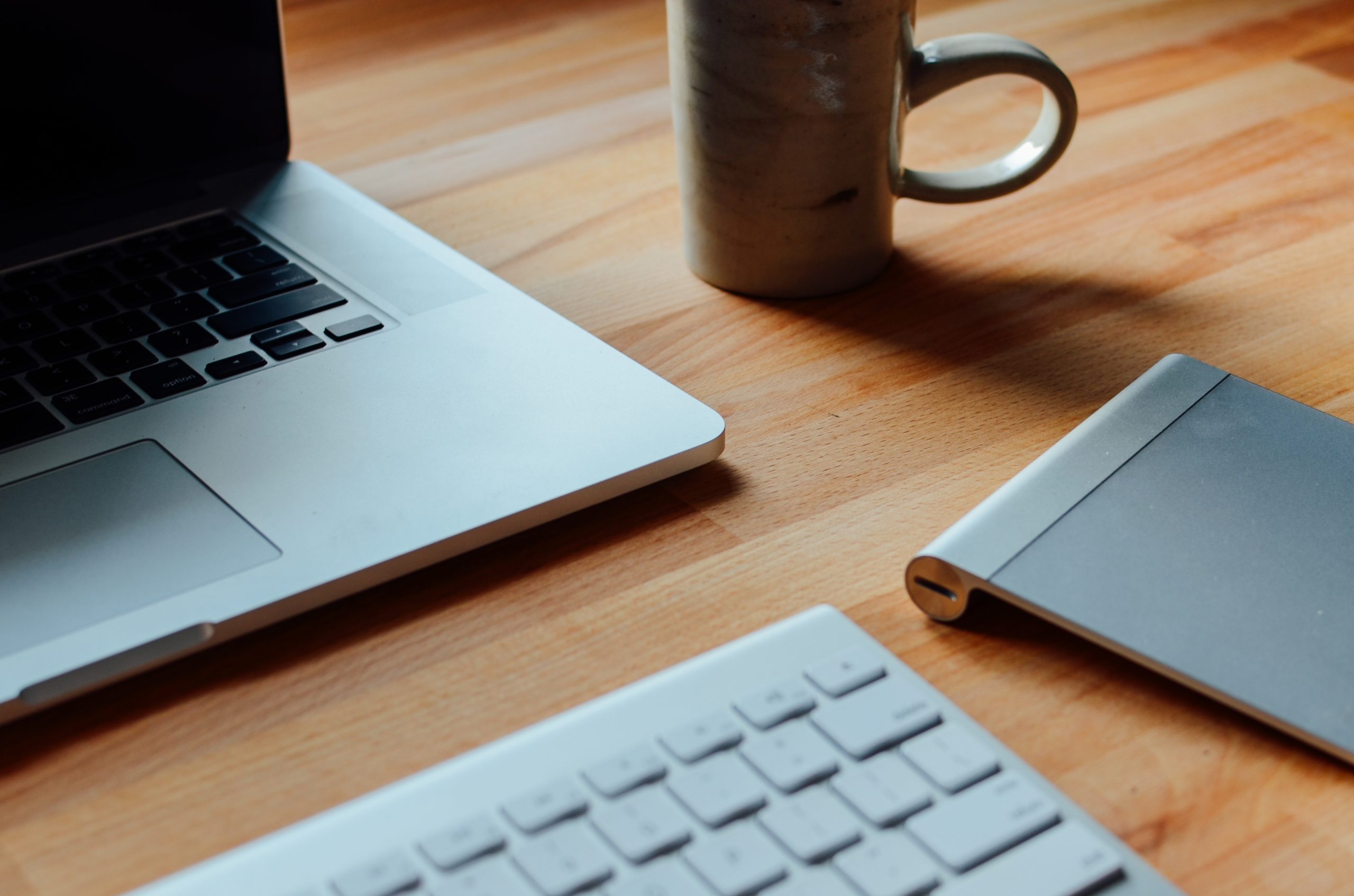
Working from a cafe goes smoothly when you remember that you are renting a seat with your order, not leasing a desk. Go at quieter times, order regularly while you stay, take the smallest table that fits, keep calls short and quiet, and leave when the room fills. Protect your accounts on public Wi-Fi and set up your laptop so you are not hunched for hours. Run through the checklist below before you open your laptop and you will be the kind of regular staff are glad to see.
Key takeaways
- Choose off-peak hours and leave when lunch or weekend crowds arrive.
- Keep ordering through a long stay, and keep your footprint to one seat.
- Take calls outside or keep them brief, quiet and on headphones.
- Use HTTPS sites, strong passwords and two-factor authentication on shared Wi-Fi.
- Raise your screen and take short breaks to protect your neck and eyes.
Before you go: the working from a cafe checklist
- Check the café’s own signals. Some places post notices about laptops at certain times, cover outlets, or offer no Wi-Fi. Treat those as the house rules.
- Pick your hours. Mid-morning and mid-afternoon are often calmer than breakfast or lunch. If the place is small, a shorter session is kinder.
- Charge everything at home. Arrive with a full battery so you do not depend on an outlet that someone else may need.
- Bring headphones. You will want them for calls, video and focus.
- Pack light. A laptop, charger and notebook fit on a café table; a full desk setup does not.
At the counter
- Order before you sit, unless the café uses table service.
- Order again if you stay a while. A second drink or a snack after an hour or two is a fair exchange for the space. If you are cutting down on caffeine, tea, decaf or food all count. The FDA’s caffeine guidance gives 400 milligrams a day as an amount not generally associated with negative effects for most healthy adults, which a long working day of refills can approach.
- Know what you are ordering. If the menu is unfamiliar, our walkthrough on ordering at a specialty coffee shop explains the main drinks.
- Tip according to local custom if you are using the space for a long time.
Choosing and using your seat
- Take the smallest table that works. Leave large tables and booths for groups.
- Keep to one seat. Bags go on your lap or under the table, not on a second chair.
- Do not trail cables across walkways. If the only outlet is far away, work on battery.
- Avoid glare. Sit so windows are beside you rather than behind your screen. Newcastle University’s ergonomics guidance advises against facing windows or bright lights and suggests repositioning the screen to cut reflections.
- Keep food and screens apart. Crumbs and spills end more café sessions than anything else.
Calls, noise and courtesy
| Situation | Courteous choice |
|---|---|
| Incoming call | Step outside or keep it to a minute or two |
| Scheduled video meeting | Book a quieter place; a café is rarely right for it |
| Watching a video | Headphones every time |
| Typing on a loud keyboard | Lighten your touch or use the built-in keys |
| Leaving for a few minutes | Take valuables, and do not hold a busy table for long |
| Room filling up at lunch | Pack up or offer to share your table |
These are courtesies rather than rules, but they make the difference between being a regular and being the person staff hope will leave.
Security on public Wi-Fi
- Look for HTTPS. The FTC’s guidance on public Wi-Fi says connecting through a public network is usually safe because of widespread encryption, and recommends checking for the lock icon or “https” in the address bar.
- Use strong passwords and two-factor authentication wherever they are available.
- Keep software updated. The FTC suggests turning on automatic updates for your operating system, browser and security software.
- Remember that encryption is not trust. The FTC warns that scam sites can be encrypted too, so be careful where you enter details.
- Lock your screen whenever you step away, even briefly.
Posture on a small table
Café furniture is not designed for long typing sessions. Newcastle University recommends raising the screen to eye level, keeping it about an arm’s length away, keeping elbows at roughly 90 degrees with feet flat on the floor, looking away from the screen every 15 minutes, and taking a longer break about once an hour to stand and stretch.
- Use a folding laptop stand and a compact keyboard if you work this way often.
- Set a reminder to look up and away from the screen.
- Stand, stretch and order your next drink as one hourly break.
Frequently asked questions
How long is too long to stay?
There is no single limit. Watch the room: if people are waiting for seats, it is time to pack up or move to a smaller spot. Ordering regularly matters more than the clock.
Is it rude to ask for the Wi-Fi password?
No. Ask when you order. If the café does not offer Wi-Fi, use your phone’s hotspot or plan offline work.
Should I work from a café that is clearly a quick-service bar?
Probably not. Some places are designed for speed, as our look at coffee culture around the world shows. Choose cafés with tables meant for lingering.
A last check before you pack up
When you leave, clear your cups to the counter if that is the custom, wipe any spills, and push in your chair. A café that sees you leave the table tidy will be glad to see you next time. More on how cafés work, and how to enjoy them, is in our café culture section.